
git 이란?
소스코드를 관리 하기 위한 형상 관리 도구 중 하나로 분산 버전관리 시스템이라고도 한다. 변경 사항에 대한 기록을 할 수 있어 변경된 부분을 바로 확인 할 수 있을 뿐 만 아니라 프로젝트를 다른 사람과 공유하여 작업하기 쉽게 도와준다.
git 설치 하기
mac 환경에서 vscode 프로그램을 사용하였고 terminal에서 명령어 git을 입력하여 설치하였다.
git 공식 홈페이지 다운로드 링크 : https://git-scm.com/download/mac
Git - Downloading Package
Download for macOS There are several options for installing Git on macOS. Note that any non-source distributions are provided by third parties, and may not be up to date with the latest source release. Homebrew Install homebrew if you don't already have it
git-scm.com
github 공식 홈페이지 링크 : https://github.com/
GitHub: Let’s build from here
GitHub is where over 100 million developers shape the future of software, together. Contribute to the open source community, manage your Git repositories, review code like a pro, track bugs and fea...
github.com
- vscode 터미널에서 git version 명령어를 사용하여 git이 제대로 설치됬는지 확인

vscode와 github 연결확인
vscode에서 작업한 내용을 명령어를 통해 손쉽게 github에 업로드 하려면 vscode와 원격저장소의 연결이 필요하다.
명령어 정리
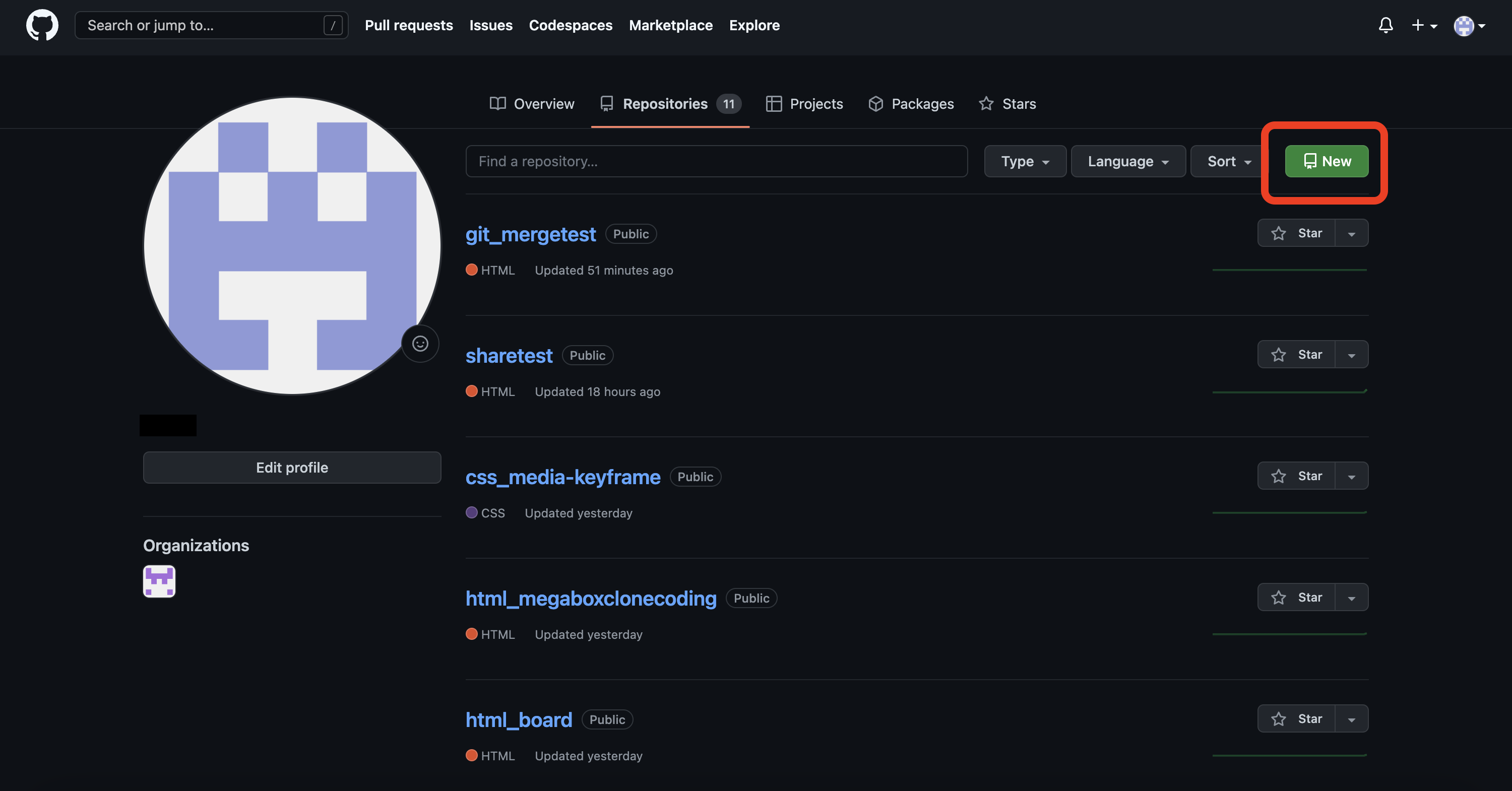
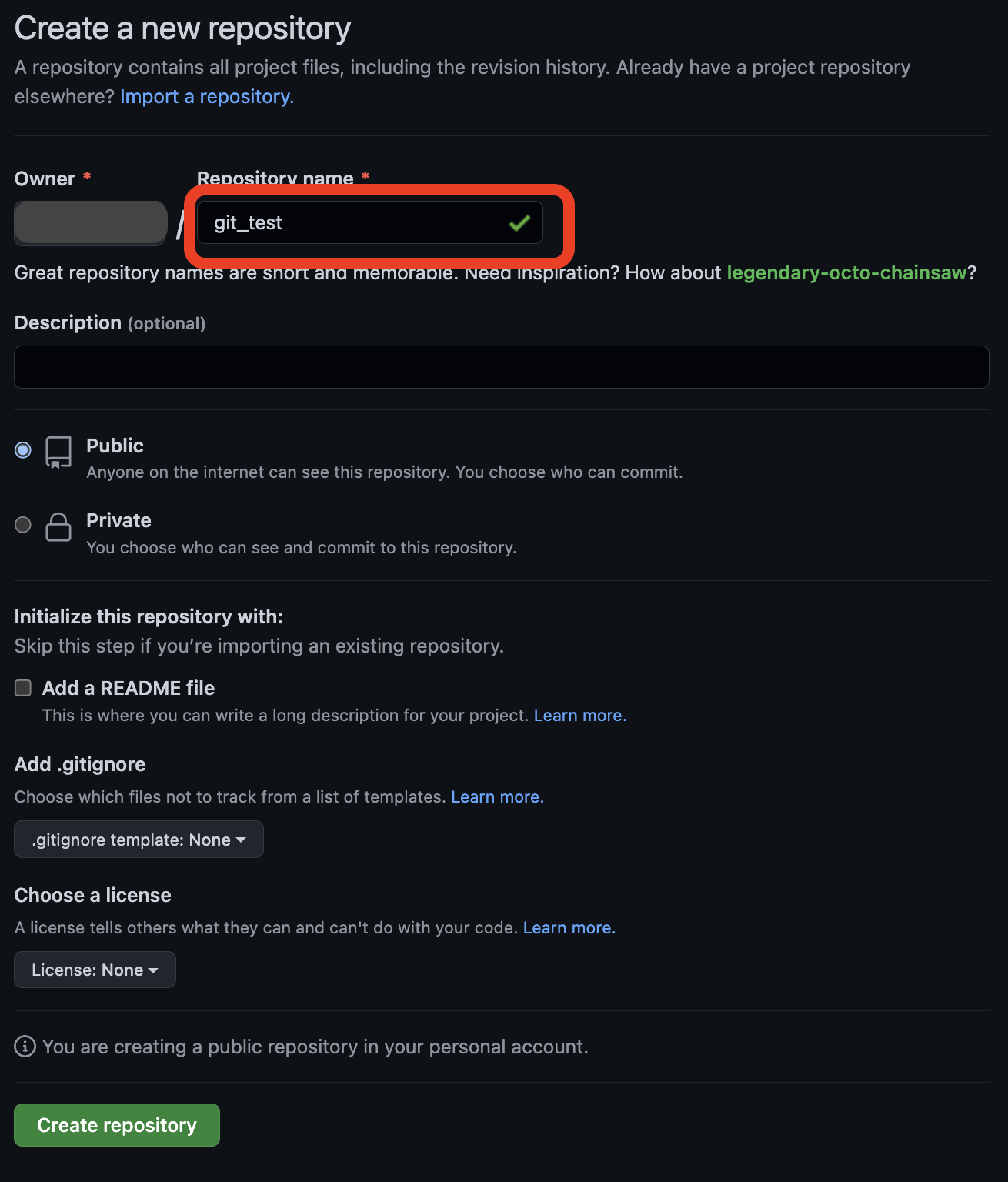
작업폴더 내에 저장소 만들기
- git init
원격저장소 경로 설정
- git remote add origin 원격저장소 주소
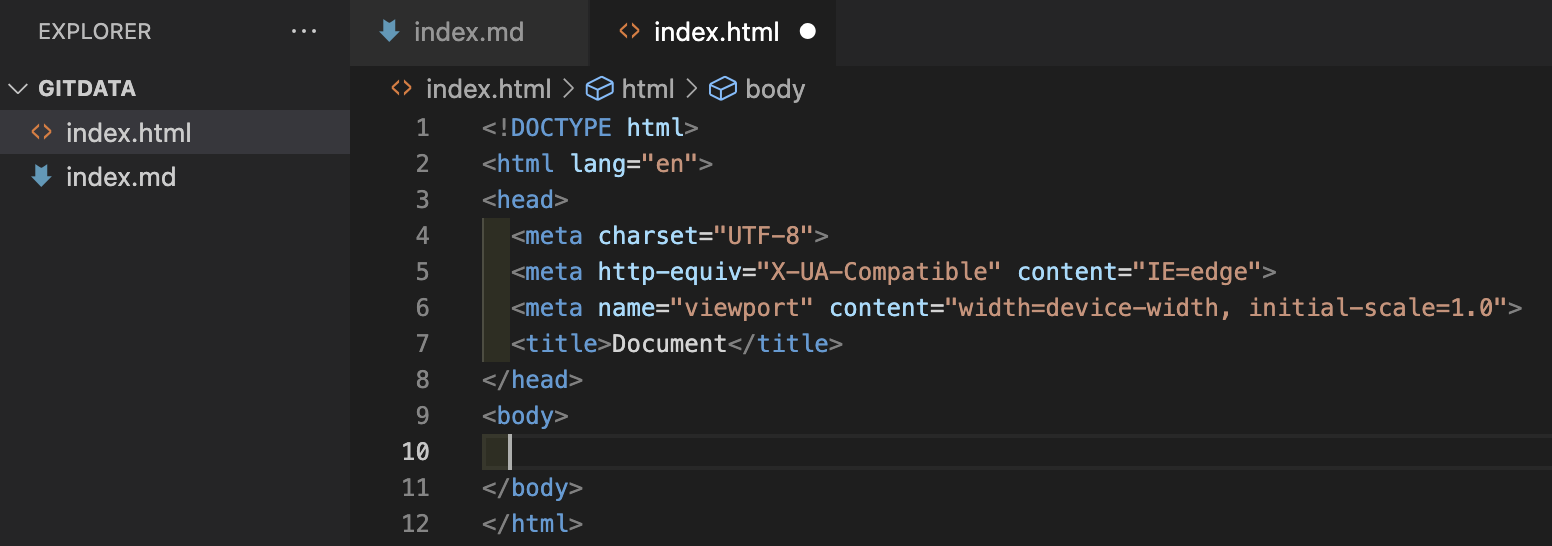
저장할 파일 선택 (파일 스테이징)
- git add .
- . 은 모든 파일을 뜻함
바뀐 내용에 대한 내용 작성 및 commit
- git commit -m "작업내용"
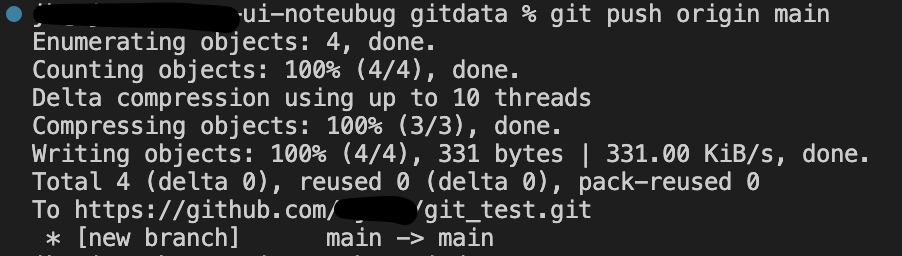
원격저장소에 저장
- git push origin main






'GIT' 카테고리의 다른 글
| [GIT] git branch 사용하기 (0) | 2023.03.09 |
|---|